A Property Management Chatbot for Residents, Not Prospects: What It Should (and Should Never) Handle
Most resident calls are the same handful of questions asked on repeat. Here's what a property management chatbot can safely answer — and the emergencies it must never touch.
Ask any property manager what actually eats their day and it is rarely the interesting work — the renewals strategy, the vendor negotiation, the capital planning. It is the fortieth phone call this week asking whether the pool closes at 9 or 10, whether a maintenance ticket from Tuesday has been looked at, and whether rent is due on the 1st or the 3rd if the 1st falls on a Sunday. A property management chatbot exists to take that specific weight off a human, not to replace the human.
This isn't about converting prospects touring apartments. It's about the people who already live in your buildings and the operations team supporting them — the calls, emails, and portal tickets that repeat all day, every day, largely after the office has closed.
The resident-communication load is smaller than it feels
It rarely feels that way at 6:15 p.m. when the office phone is still ringing, but most resident contact is not actually diverse. It is a short list of questions asked by hundreds of different people:
- Maintenance request status — "did anyone see my work order," "when is someone coming"
- Rent and payment questions — due dates, late fees, accepted payment methods, portal login issues
- Lease renewal timing — when notice is due, what the renewal increase process looks like
- Amenity hours and booking rules — pool, gym, clubhouse, reservation windows and guest limits
- Parking and guest policies — visitor passes, assigned spots, towing rules
- Move-in and move-out procedures — elevator reservations, inspection scheduling, deposit timelines
- Package handling — where deliveries go, how long the package room holds them
- Noise and neighbor complaints — quiet hours, how to file a formal report
Every one of those is answerable from documents you already have: the lease, the resident handbook, the community rules, the amenity policy sheet. That's exactly the kind of static, repeatable knowledge a chatbot for property management should be trained on — and why after-hours coverage is where it earns its keep. Property managers work irregular schedules by design; the U.S. Bureau of Labor Statistics notes that evening work and emergency response outside normal hours are standard for property, real estate, and community association managers (BLS, 2025). A resident chatbot doesn't change that, but it does mean a resident asking "what time does maintenance usually get here" at 9 p.m. gets an answer immediately instead of a voicemail.
What a resident-trained chatbot can genuinely answer
Point a chatbot at your actual source documents — the lease template, the resident handbook, your amenity and parking policies, your community website — and it can hold a real conversation about them, with citations back to the source so residents (and your team) can see where an answer came from. That means it can:
- Quote the exact quiet hours, guest parking limit, or pool schedule from your handbook, instead of a generic answer
- Walk a resident through the renewal notice window and what documents they need to submit
- Explain the package pickup process and package room hours
- Answer late-fee and payment-method questions exactly as your lease states them
- Collect a maintenance request — unit number, issue description, access instructions, preferred contact method — in a structured way, any time of day
- Hand off to a human instantly, by routing to email, a phone number, or a booking link, when a question goes beyond what it was trained on
That's what "trained on your documents" buys you: a chatbot that can only say what your lease and handbook actually say, and that flags rather than invents whatever isn't in them. See how training a chatbot on your own documents and website works.
The line that never moves: emergencies go to a human, always
This is the part worth being blunt about. A flooding unit, a gas smell, a fire, a resident locked out in freezing weather, a heating failure in winter — none of that should ever be absorbed into a chatbot conversation. Not "answered eventually." Not "logged for the morning." Routed, immediately, to a human being or your emergency maintenance line, every single time.
Any competent property management chatbot needs a hard-coded rule: the moment a message contains language suggestive of an emergency — flood, gas, fire, no heat, lockout, smoke, "can't breathe," anything of that category — the bot stops trying to be helpful on its own and instead surfaces your emergency contact number or routes to a live line. No exceptions, no "let me also check the handbook first."
The reason this matters more than any feature on this page: a chatbot that handles 95% of resident questions well and gets the other 5% catastrophically wrong on the one that involves someone's safety has failed at the only requirement that counts. Set the emergency routing up first, test it, and treat every other capability as secondary to it.
Maintenance requests: capture and hand-off, not automatic dispatch
Intake speed matters more than it might seem. In the National Apartment Association's 2025 coverage of resident survey data, poor maintenance response ranked as the second most common reason residents chose not to renew, behind rent price alone — and each non-renewal costs roughly $4,000 in turnover expenses once you count vacancy, make-ready, and marketing. A separate NAA writeup of SatisFacts survey data found unit condition, community cleanliness, and maintenance staff quality together account for the majority of stated non-renewal reasons. None of that is solved by a chatbot alone — but a resident who gets an immediate, structured acknowledgment that their request was logged, instead of a voicemail that may never get returned, feels heard while waiting for the actual fix.
For non-emergency maintenance — a dripping faucet, a squeaky door, a light fixture out — a rental property chatbot is genuinely useful for intake. It can ask the right follow-up questions (unit number, is anyone home during the day, is there a pet in the unit, best time for access), structure the answer, and get that information to your team the moment the resident sends it, instead of waiting for someone to transcribe a voicemail the next morning.
Be honest about where that usefulness ends, though. EmbedMyBot doesn't integrate with Yardi, AppFolio, Entrata, RealPage, or any other property management system — no automatic ticket creation, no work-order sync, no status pushed back into your PMS. What you get is a well-structured request captured and handed to your team; someone still opens your PMS and creates the ticket. What it does solve is the intake bottleneck: no missed after-hours requests, no phone-tag to get the details right the first time.
Keeping it accurate as policies and fees change
A property management chatbot is only as good as what it was last trained on. If pool hours change for the season, a late fee changes, or a new parking policy goes into effect, the chatbot needs retraining on the updated document — it won't infer the change on its own. Make "retrain after every policy update" a standing step, not an occasional cleanup task. A chatbot that quietly answers from a six-month-old fee schedule erodes trust faster than having no chatbot at all. Reviewing the unanswered-questions report periodically is the fastest way to catch drift.
What to automate vs. what to escalate
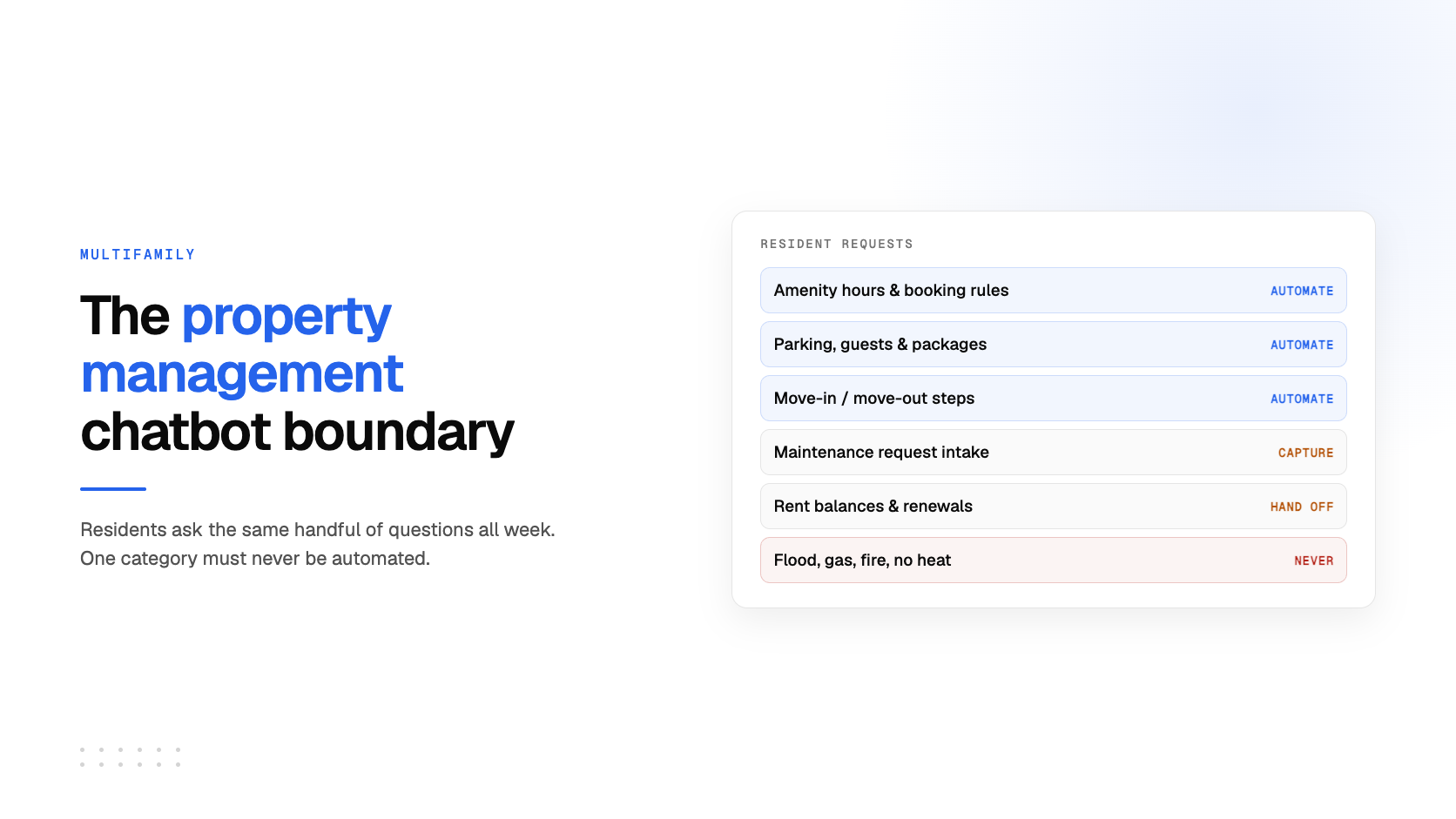
This is the working line to set for any property management chatbot deployment. Everything in the emergency row is never negotiable.
| Resident question | Chatbot can handle | Route to a human |
|---|---|---|
| Maintenance request status / new non-emergency request | Yes — checks handbook policy, collects structured intake details | If resident disputes a prior response or request is stalled beyond your SLA |
| Rent, fees, payment methods | Yes — quotes lease/handbook terms exactly | Disputes, hardship requests, payment plan negotiation |
| Lease renewal dates and process | Yes — explains notice windows and required steps | Rent negotiation, lease term changes |
| Amenity hours and booking rules | Yes — direct from policy documents | Booking conflicts, special-event requests |
| Parking and guest policies | Yes | Towing disputes, ADA accommodation requests |
| Move-in / move-out logistics | Yes — elevator reservations, inspection windows, deposit timeline | Deposit deduction disputes |
| Package handling | Yes — pickup hours and location | Lost or stolen package claims |
| Noise / neighbor complaints | Partial — explains how to file a report | Always — actual complaint handling needs a person |
| Emergency maintenance (flood, gas, fire, no heat, lockout) | Never | Always — immediate routing to emergency line, no exceptions |
Why "resident" and "leasing" chatbots are different tools
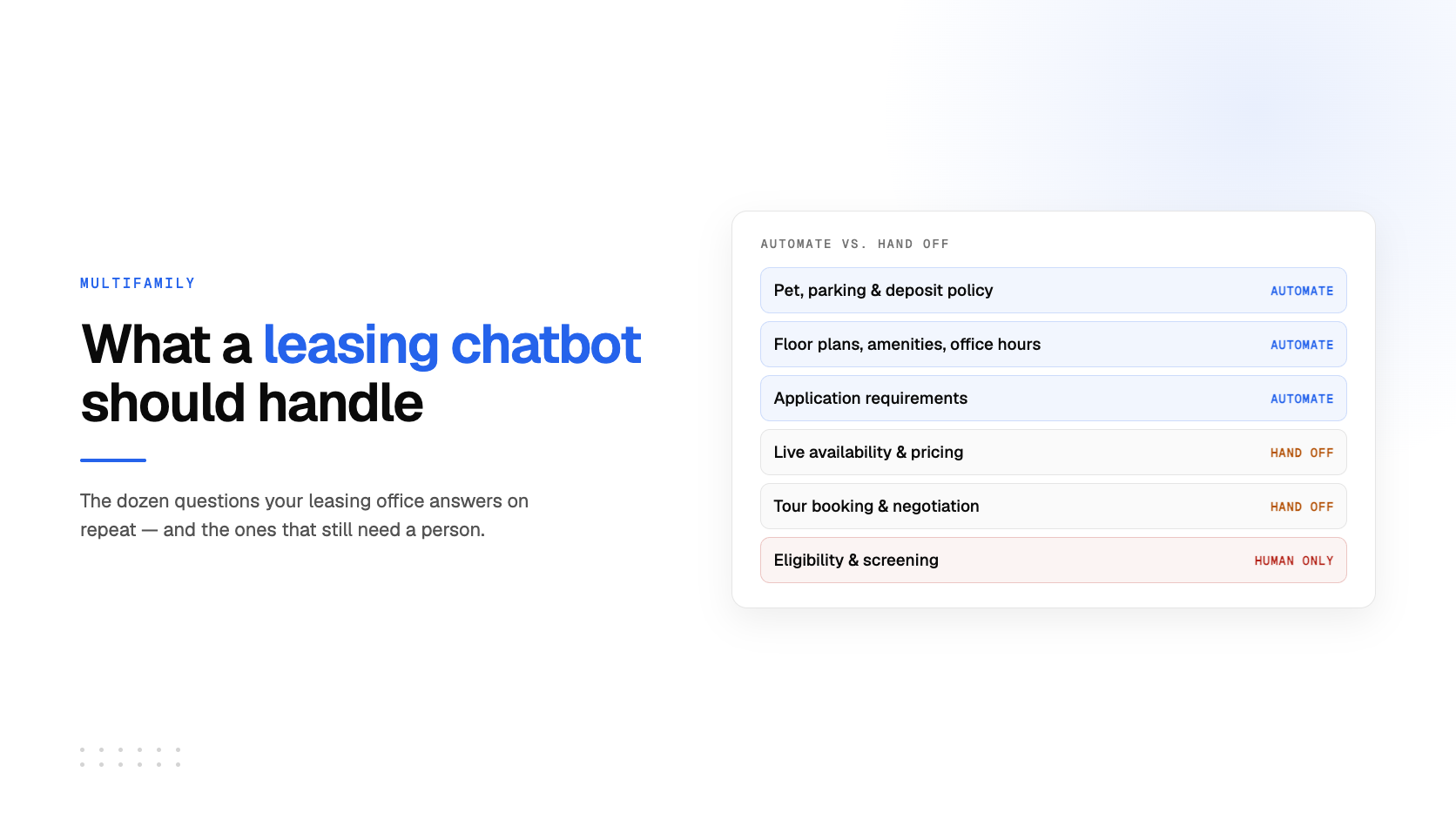
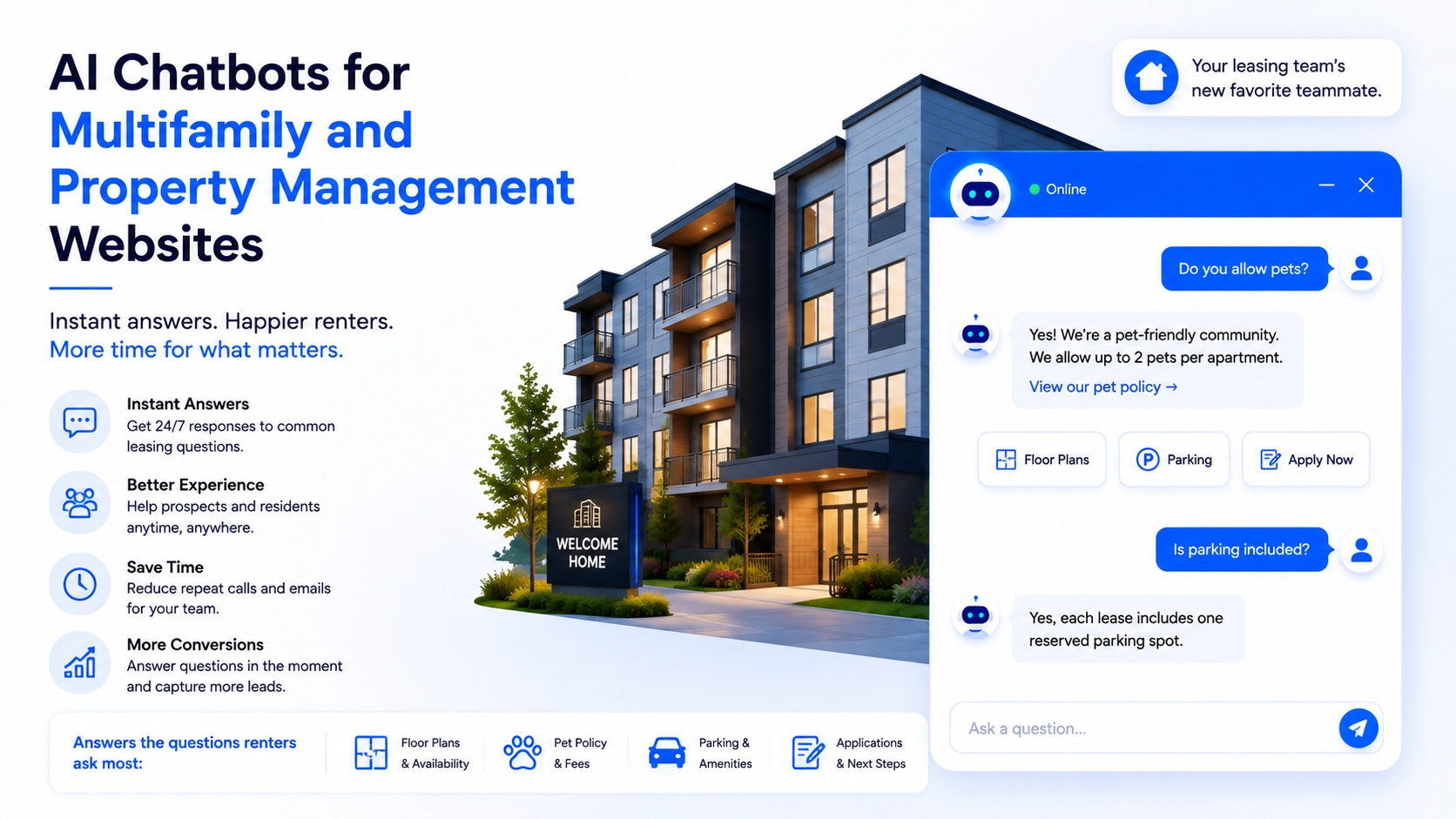
It is worth separating this from the other kind of real-estate chatbot you'll see discussed: one built for prospective renters touring units and checking availability. That's a lead-generation problem — different documents, different urgency, different measure of success. A resident chatbot is an operations tool measured in call-volume reduction and after-hours coverage, not conversions. Our piece on AI chatbots for multifamily real estate covers the prospect-facing side, and the real estate chatbot industry page covers both at a higher level.
Setting one up
The mechanics are the same regardless of portfolio size: upload your lease template, resident handbook, and policy documents (PDF, Word, or plain text), optionally crawl your community website for public-facing details like amenity descriptions, and embed the widget with a single script tag on your resident portal or property site. There's no PMS plugin to install because none exists for any property management system — the embed script is the whole deployment. Once live, the analytics view shows what residents are actually asking, often the fastest way to find gaps in your handbook before a resident finds them for you.
Frequently Asked Questions
Can a property management chatbot replace my leasing office or maintenance team?
No. It handles the repetitive, document-answerable questions — hours, policies, request status, renewal timing — so your team spends less time repeating itself. Anything requiring judgment, a dispute, or a safety response still needs a person, and the chatbot should route to one immediately when it hits that boundary.
What happens if a resident reports an emergency through the chatbot?
A properly configured resident chatbot detects emergency language — flood, gas, fire, no heat, lockout — and immediately surfaces your emergency contact number or hands off to a live line instead of attempting to answer. This routing should be tested and treated as non-negotiable; it is the one place automation should never be trusted alone.
Does a property management chatbot integrate with Yardi, AppFolio, or Entrata?
Not with EmbedMyBot. There's no native integration with any PMS, so maintenance requests are captured and handed to your team rather than automatically synced into a work-order system. Someone on staff still needs to create the ticket in your existing software.
How do I keep the chatbot's answers accurate when policies change?
Retrain it on the updated document as soon as a fee, policy, or handbook section changes — it only knows what it was last trained on. Make this a standing step whenever your resident handbook is revised, and check the unanswered-questions report periodically to catch anything the current documents don't cover.
What is the difference between a resident chatbot and a leasing chatbot?
A resident chatbot serves people who already live in your community — maintenance status, rent questions, policies, renewals. A leasing chatbot serves prospective renters — availability, tours, applications. They're trained on different documents and measured differently: call-volume reduction for residents, conversion for prospects.
How much does a property management chatbot cost?
EmbedMyBot has a free plan (one chatbot, 50 messages a month, no card required) for testing the concept on a single property, with paid plans starting at $5/month for higher message volume and additional chatbots. See pricing for the current tiers.