
Documentation
Quickstart
Create, train, customize, and embed your first AI chatbot in about five minutes.
Here's the fastest path from zero to a live chatbot on your site.
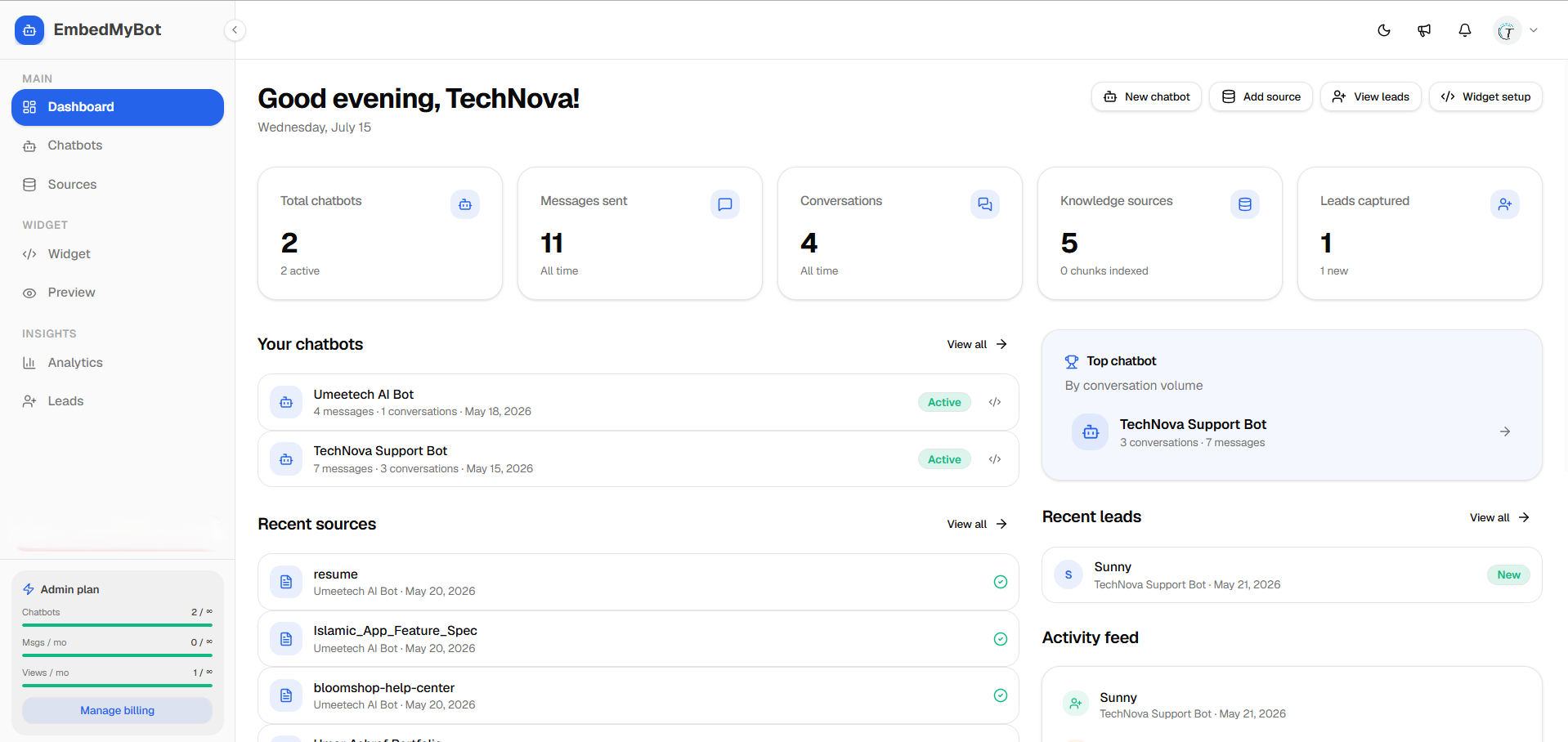
- Create a chatbot - from your dashboard, click *New chatbot* and give it a name.
- Add knowledge - paste your website URL (we crawl it) and/or upload files. See Training.
- Wait for training - sources index in the background; you'll see them turn *ready*.
- Customize - set colors, welcome message, and suggested questions in the Appearance and Messages tabs.
- Test it - chat in the live preview to make sure answers look right.
- Embed - copy the install snippet and paste it on your site. See Install.
Not ready to add code to your site yet? You can share the full-page chat link instead, no installation needed.